URISE Portal 2026:- We are all aware that the Chief Minister of the state, Shri Yogi Adityanath, frequently launches new schemes to promote education in our country. Keeping this in mind, the Uttar Pradesh government has launched the URISE Portal 2026. Through this article, we will provide you with all the details regarding this portal, such as its benefits, required documents, objectives, eligibility criteria, and the registration process. Also Read:- APPSC Group 2 Notification 2026 – Apply Online, Expected Last Date & Form
Table of Contents
URISE Portal 2026
The Uttar Pradesh government has launched the URISE Portal 2026 to assist students in the state. Through this portal, students pursuing vocational and technical education, as well as those involved in skill development programs, will receive support regarding education, career guidance, and employment opportunities. It will prove beneficial for all students engaged in professional and technical education.
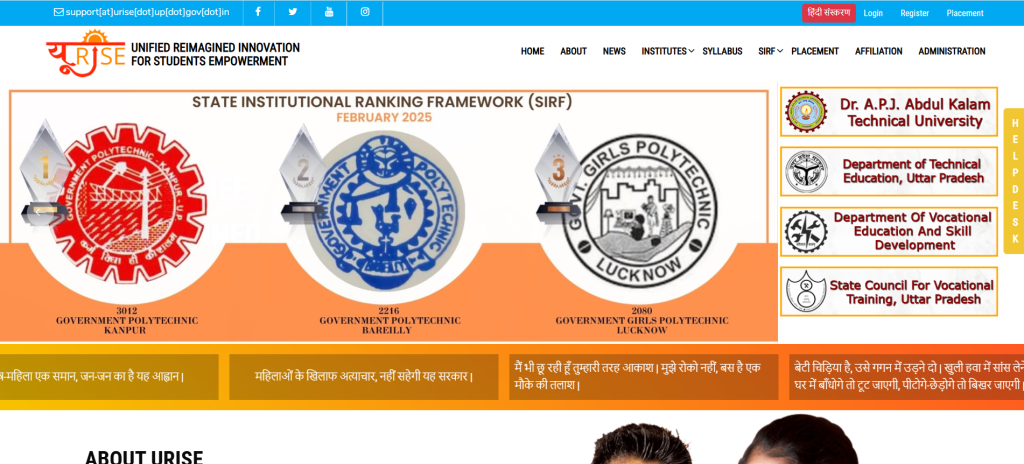
According to Uttar Pradesh Chief Minister Yogi Adityanath, this platform will benefit approximately 200,000 students. The full form of the urise.up.gov.in portal is ‘Unified Reimagined Innovation for Student Empowerment Tool’. This portal has been developed by Dr. A.P.J. Abdul Kalam Technical University in collaboration with the Technical Education Department, the Labour and Employment Department, and the Skill Development Mission.
Overview of URISE Portal
| Name of the Portal | URISE Portal |
|---|---|
| Launched By | State Government of Uttar Pradesh |
| Beneficiary | Students |
| Objective | To give students access to many facilities |
| Application Mode | Online |
| Official Website | https://urise.up.gov.in/ |
Objective of the URISE Portal 2026
The primary objective of launching the URISE portal is to provide career-related guidance to students pursuing professional and technical education. It aims to enhance the skill development of these students.
Benefits of the URISE Portal
The benefits of this scheme are listed below:
- The portal aims to assist students pursuing professional and technical education in Uttar Pradesh by providing career guidance and educational support.
- It facilitates student skill development.
- More than 200,000 students in Uttar Pradesh will benefit from this service.
- The full form of URISE is ‘Unified Reimagined Innovation for Student Empowerment Tool’.
- The responsibility for operating the UP Rise portal lies with the Technical Education Department, the Department of Labour and Employment, and the Skill Development Mission (in collaboration with Dr. A.P.J. Abdul Kalam Technical University).
- Features such as e-material, e-library, webinars, digital assessments, internships, online tests, employment-related video content, and online courses are available on the site.
Services Available
- Registration
- Dashboard
- Content
- Performance
- Grievances
- DigiLocker
- Attendance
- Online Courses
- Feedback
Eligibility Criteria for the URISE Portal 2026
The eligibility criteria for this scheme are as follows:
- The applicant must be a citizen of India.
- Only residents of the state of Uttar Pradesh are eligible for this program.
Documents Required
The documents required for this scheme are as follows:
- Passport-sized photograph
- Aadhaar card
- Educational documents
- Proof of date of birth
- Proof of address
- Scanned signature
- Other documents
Registration Process for the URISE Portal 2026
- First, visit the official website of the URISE portal.
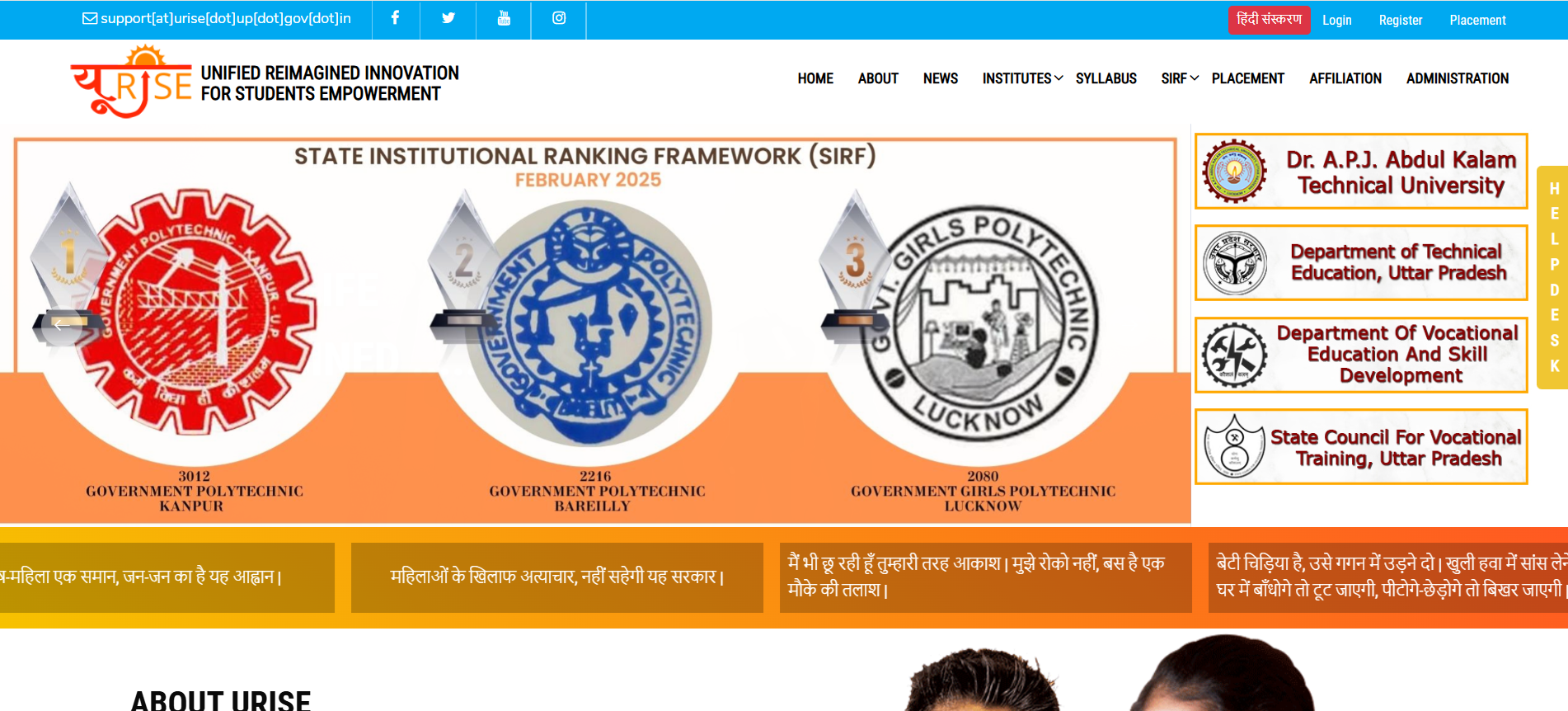
- The homepage will appear on your screen.
- Click on the ‘Register’ button.
- If you are a student, click on the ‘Student’ link; if you are a general user, click on the ‘User’ link.
- The registration form will appear on your screen.
- Fill in all the required information in the application form.
- An OTP will be sent to your mobile number.
- Enter the received OTP.
- Click on the ‘Register’ button.
Login Process for the urise.up.gov.in
- First, visit the official website of the URISE portal.
- The homepage will appear on your screen.
- Click on the ‘Login’ link.
- If you are a student, click on the ‘Student’ link; if you are a general user, click on the ‘User’ link.
- The login form will open on your screen.
- Fill in all the required information in the form.
- Click on the ‘Login’ button.
Online Fee Payment Process on the URISE Portal
- First, visit the official website of the URISE portal.
- The homepage will appear on your screen.
- Click on the ‘Link for fees’ option.
- If you are already registered, click on the ‘Click here’ option.
- A new page will appear on your screen.
- Enter your username, password, and captcha code. You will need to click on the ‘Login’ button.
- A new page will appear on your screen.
- You will need to select your payment category.
- Fill in all the required information.
- You will need to make the fee payment. View the list of Industrial Training Institutes and Industrial Training Centers
View the list of Skill Training Institutes
- First, visit the official website of the URISE portal.
- The homepage will appear on your screen.
- Click on the ‘Institute’ option under ‘Skill Training’.
- A new page will open on your screen.
- Click on the ‘List of Skill Training Institute’ link.
- A list of all institutes will open before you.
- Enter the name of your preferred institute in the search box.
- Click on ‘View More Details’.
- You will get information related to the list of Skill Training Institutes.
How to view the syllabus
- First, visit the official website of the URISE portal.
- The homepage will appear on your screen.
- Click on the ‘Syllabus’ option.
- A new page will open on your screen.
- You will need to select your sector.
- Click on the ‘View Syllabus’ option.
- The relevant syllabus will open before you.
View the list of Polytechnic Diploma sectors
- First, visit the official website of the URISE portal
.
- The homepage will appear on your screen.
- Click on the ‘Institute’ option under ‘Polytechnic Diploma Sector’.
- A new page will open on your screen.
- You will need to click on the ‘Polytechnic List’ option. A list of all institutes will appear on your screen.
- Enter the name of any institute in the search box.
- Click on ‘View Details’.
- You can view information related to that institute.
Admin Login procedure
- First, visit the official website of the URISE portal. The homepage will appear on your screen.
- Click on the ‘Administration’ option.
- A new page will open on your screen.
- Select the ‘Account Type’.
- Enter your username and password.
- Click on the login option. Filling out the anti-ragging complaint form
- First, visit the official website of the URISE portal. The homepage will appear on your screen.
- Click on the ‘Anti-ragging’ option.
- A new page will open on your screen.
- To register a complaint, you will need to provide certain information such as User ID, the victim student’s name, address, academic year, mobile number, email ID, details regarding the ragging incident, a description of the event, etc.
- Upload all necessary attachments and tick the disclaimer box.
- Click on the ‘Submit’ button.
Using DigiLocker
- First, visit the official website of the URISE portal.
- The homepage will appear on your screen.
- Click on the ‘DigiLocker’ option.
- Next, click on the link that says ‘If you are already registered, click here’.
- A new page will open on your screen.
- Enter your username, password, and captcha code.
- Click on the ‘Login’ button.
- DigiLocker will appear on your screen.
- Students can [access] all their…
URISE Portal FAQs
What is the full form of the URISE portal?
URISE (Unified Re-imagined Innovation for Student Empowerment) — an initiative of the Government of Uttar Pradesh, Lucknow — is a portal/gateway designed to cater to the needs of students, staff members, departments, and other stakeholders.
How can I view online courses on the URISE portal?
First, visit the official URISE portal website to find information about the courses. Once the official website opens, you will see an option for online courses; click on it to learn more about them.
How can I contact the URISE portal helpline?
The helpline numbers for the URISE portal are 8090491594, 8604356415, and 0522-2336851.
Who launched the URISE portal?
Chief Minister Yogi Adityanath launched the UP URISE platform to help provide students with free, high-quality education.
What is the objective of the URISE portal?
The primary objective of developing the URISE site was to provide students with resources for their studies. Additionally, the portal will assist students in finding jobs of their choice.